
Norton Antivirus
Norton Antivirus is commercial antivirus and computer security software for Windows, available as a trial before purchase.
180.6 MB

Avast Antivirus is a free antivirus program from Avast Software for Windows, also available for macOS, Android and other platforms.
Average 0.0 · ratings: 0
Thank you! Your rating is saved; you can change it. Could not save the rating. Please try again later. Too many ratings from your network today. Please try again tomorrow. The average appears after 5 ratings.
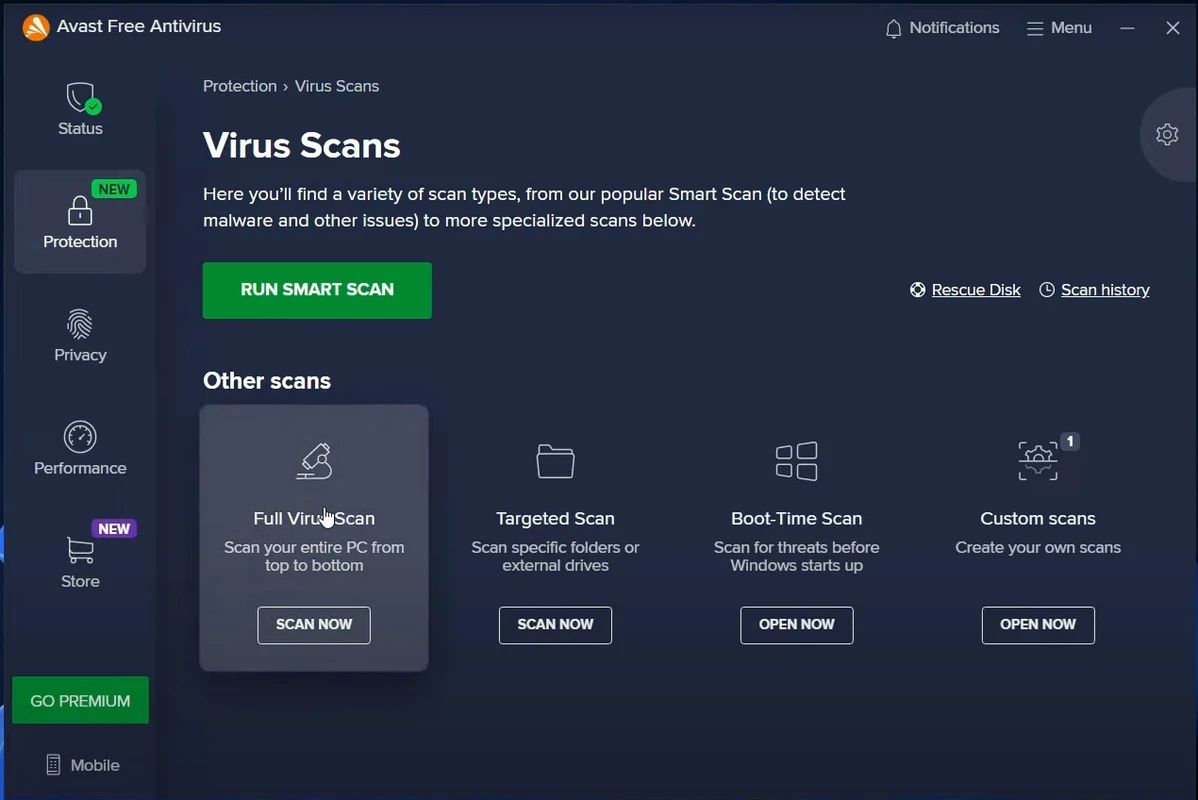
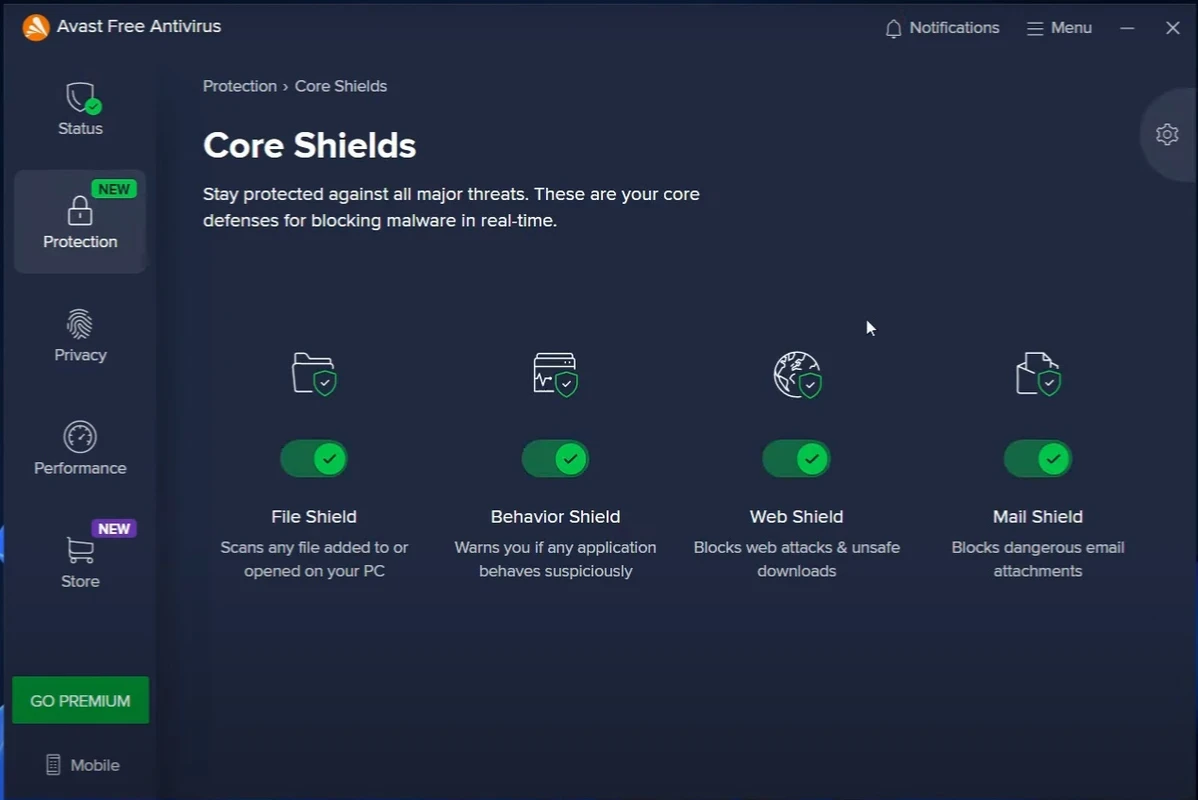
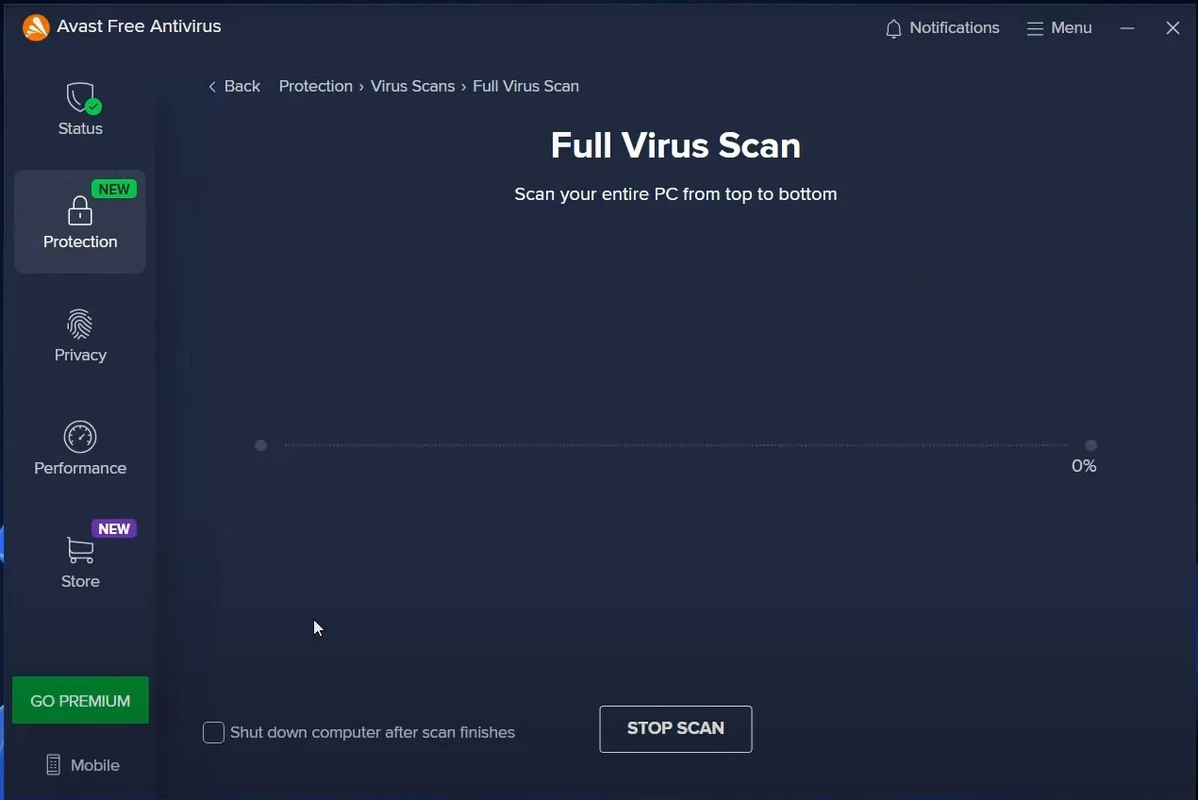
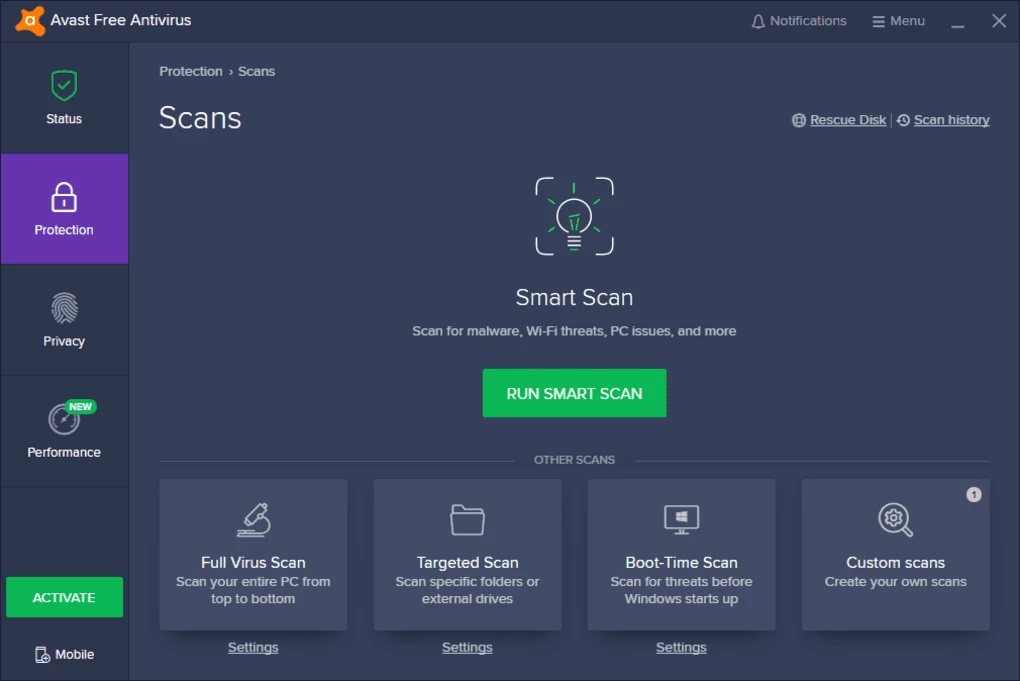
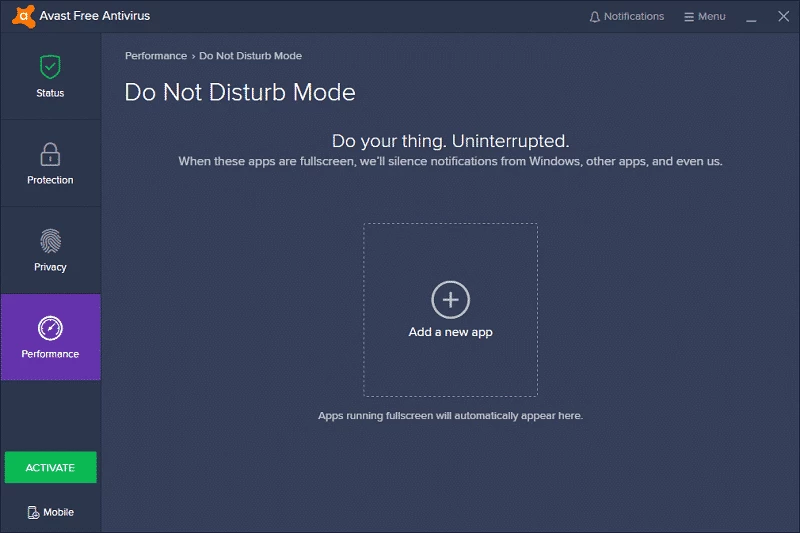
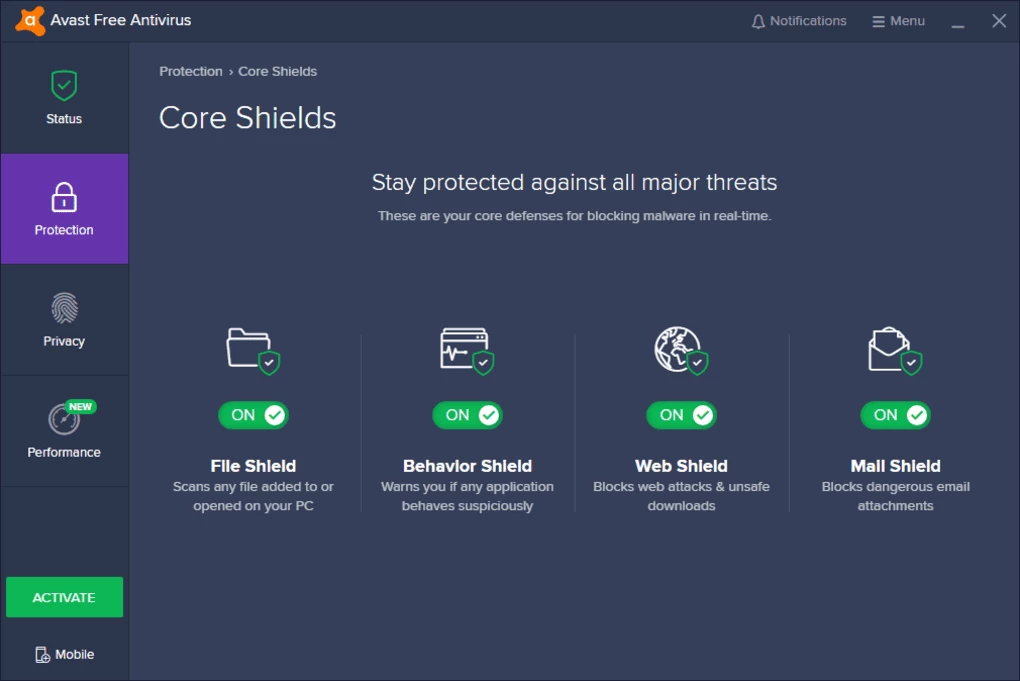
Avast Antivirus 26.8.11125.0 is a free antivirus program for Windows from Avast Software. You can download Avast Antivirus for Windows from the official site; the company also makes versions for macOS, Android, iOS and Linux.
Avast is one of the long-established names in consumer security. Its free Windows antivirus scans files as they are opened and downloaded, checks the system on demand and receives regular updates of its virus definitions, which the company publishes on its update page. On top of the core protection, the program includes extra modules for web and email, and it regularly suggests paid upgrades with more features. That model, a solid free core with offers for premium products, is what defines Avast for most users: you get real protection for free, in exchange for some prompts and advertising of the paid versions. The company has faced criticism over how it handled user data in the past, and Wikipedia's article on Avast has a separate section on controversies. The practical takeaway is simple: after installation, open the privacy settings and turn off any data sharing you do not want. Avast also exists on Android as Avast Mobile Security, so households can use the same brand on all devices.
Avast lists the supported Windows versions on its website. Only one real-time antivirus should run on a PC, so remove any other antivirus first; Windows Security switches off its own real-time scanning automatically when Avast is active.
The program from avast.com is legitimate security software. Beware of fake "Avast" installers on other sites and of pop-ups claiming your PC is infected: Avast does not ask for payment through browser pop-ups. For Android, install Avast Mobile Security from Google Play.
Avast Free Antivirus costs nothing. Paid plans add more features, and the free version will occasionally suggest them.
Other security tools on our site include AVG Antivirus, Avira Free Security, Bitdefender Antivirus, Norton Antivirus and Malwarebytes. To remove Avast completely, use Avast Clear.
Norton Antivirus is commercial antivirus and computer security software for Windows, available as a trial before purchase.

AdwCleaner is a free Windows tool from Malwarebytes for finding and removing adware, unwanted programs and browser hijackers.

AVG Antivirus is a free antivirus for Windows from AVG Technologies with real-time scanning, web protection and optional paid features.

Avast Clear, also called the Avast Uninstall Utility, is a free Windows tool from Avast that fully removes Avast antivirus products when the standard uninstaller fails.

Adaware Antivirus is a Windows antivirus from Lavasoft, the company behind the long-running Ad-Aware anti-spyware tool, with a free edition.

Malwarebytes for Windows is anti-malware software that scans for and removes malware, ransomware, adware and unwanted programs.

Panda Antivirus is a security program for Windows from Panda Security, protecting against viruses and other malware.

UsbFix is a Windows tool from SOSVirus that detects and removes malware spread through USB flash drives and helps recover files the malware has hidden.